
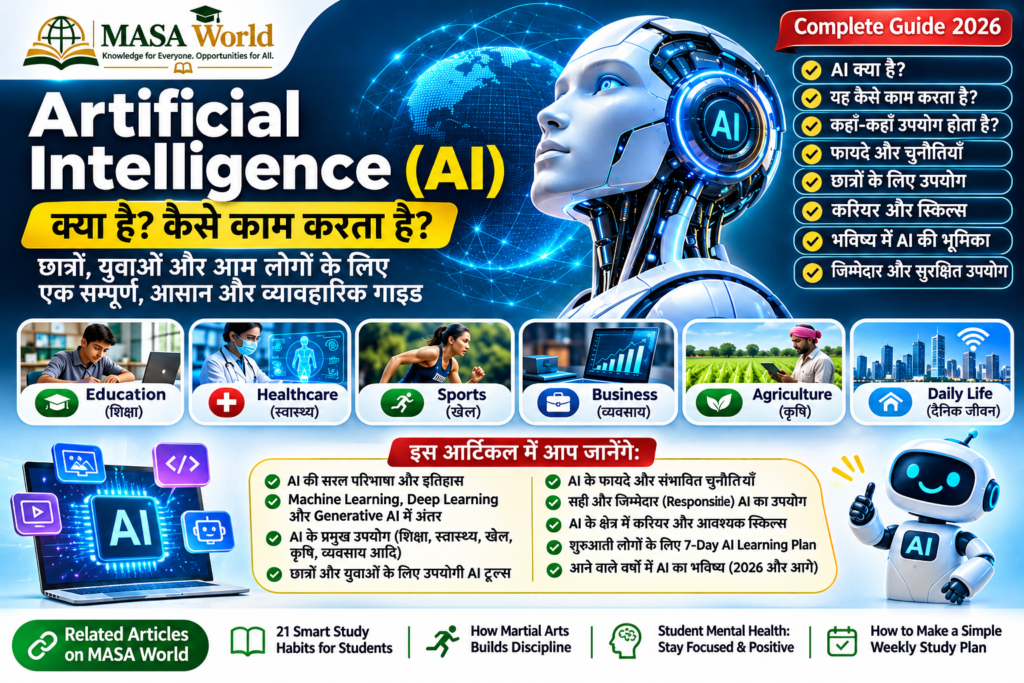
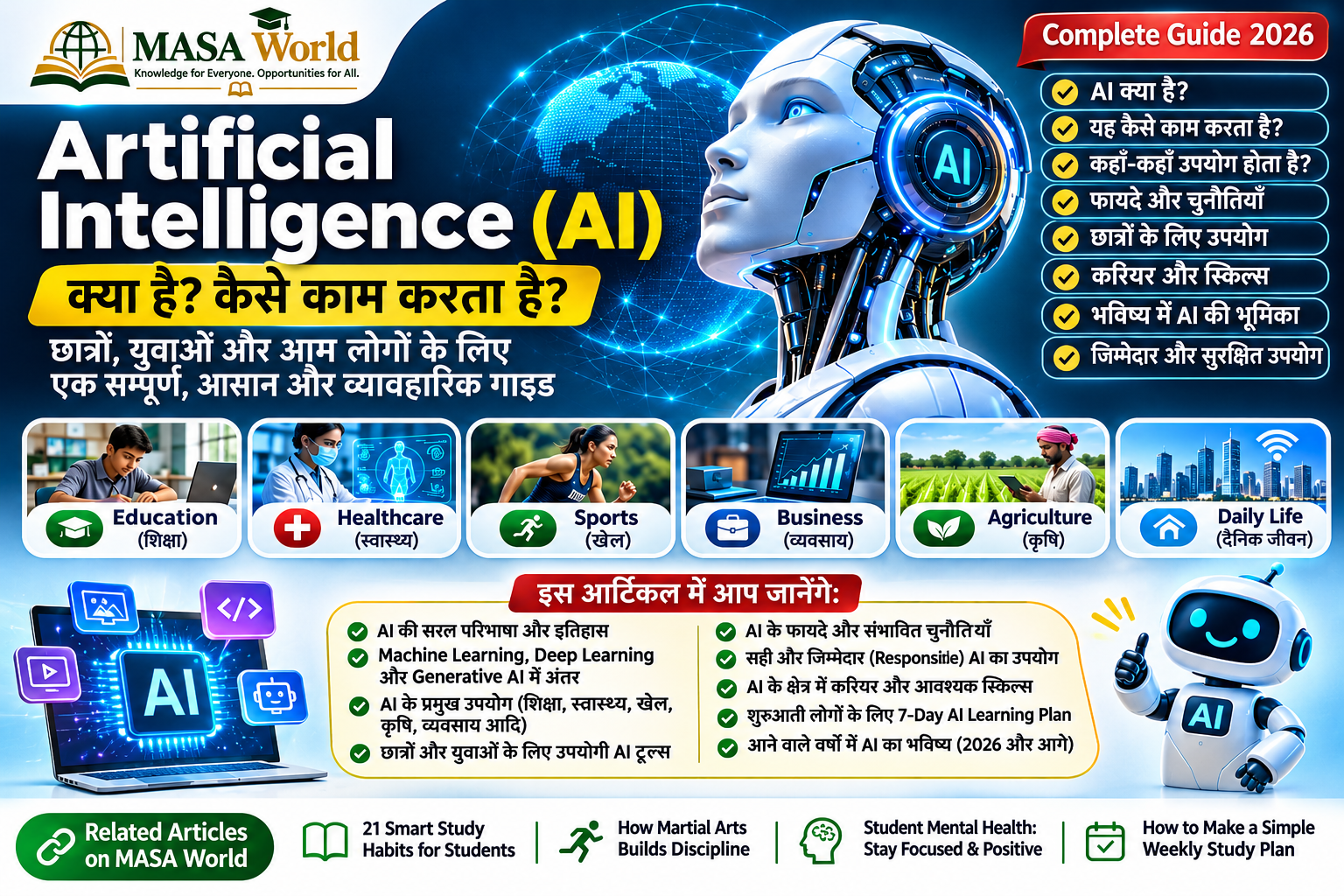
Artificial Intelligence (AI) is no longer limited to science-fiction films or high-tech laboratories. It is already part of everyday life: when a map suggests a faster route, a phone recognizes a face, a shopping app recommends a product, a bank flags a suspicious transaction or a learning platform adapts practice questions. AI can help people work with information and solve certain problems faster—but it can also make mistakes, reproduce bias and create privacy risks.
This beginner-friendly guide explains what AI means, how it works, how its major branches differ, where it is being used, what it can and cannot do, and how students, families and professionals can use it responsibly. The aim is not to make you an engineer overnight. It is to help you become an informed, confident and careful user of AI.
On this pageQuick navigation · 14 sections
1. What is Artificial Intelligence?
Artificial Intelligence is a broad field of computer science focused on building systems that perform tasks commonly associated with human intelligence. Depending on the system, these tasks may include recognizing patterns, understanding or generating language, interpreting images, making predictions, recommending options and supporting decisions.
AI does not mean that a computer has a human mind, feelings or personal wisdom. Most AI tools are specialized systems trained or programmed for particular tasks. They identify patterns in data and produce outputs based on those patterns, instructions and the information available to them.
Simple example: Imagine showing a computer thousands of labeled pictures of cats and dogs. A machine-learning system can learn visual patterns that often distinguish the two. When it receives a new picture, it estimates which category is more likely. It may still get the answer wrong—especially if the image is unclear or very different from its training examples.
2. How does AI work?
Different AI systems work in different ways, but a simplified development process often includes these stages:
- Define the task: Decide what problem the system should help solve—for example, identifying spam messages or forecasting demand.
- Collect and prepare data: Gather relevant examples and check their quality, permissions, coverage and suitability. Poor or unbalanced data can lead to poor results.
- Choose a model: Developers select a method suited to the task. A model is the mathematical system that learns patterns or maps inputs to outputs.
- Train or configure it: During training, the system adjusts its internal parameters using examples. Some systems also rely on rules, search, or a combination of techniques.
- Test and evaluate: The model is checked on data it did not train on. Teams examine accuracy, errors, fairness, security and performance in realistic conditions.
- Use and monitor: Once deployed, the system needs human oversight and monitoring. Data, user behavior and real-world conditions can change over time.
Think of AI as a tool built through data, mathematics, computing and human choices. The quality of the result depends not only on the algorithm but also on the task definition, data, testing, context and safeguards.
3. Main types and branches of AI
Artificial Narrow Intelligence (ANI)
Most AI available today is narrow or task-specific AI. It can perform a defined task—such as translating text, detecting unusual transactions, recommending videos or recognizing objects—but does not possess general human-level understanding across every field.
Machine Learning (ML)
Machine Learning is a branch of AI in which systems learn patterns from data instead of relying only on hand-written rules. It is used for prediction, classification, recommendations and anomaly detection. For example, an email service may learn patterns associated with unwanted messages.
Deep Learning
Deep Learning uses multi-layered neural networks to learn complex patterns. It has helped advance speech recognition, image analysis, language processing and other data-intensive tasks. It often requires substantial computing resources and large datasets.
Natural Language Processing (NLP)
NLP helps computers process human language. It supports translation, speech-to-text, text classification, search, summation and conversational systems. Language is complex, so NLP tools can misunderstand tone, context, cultural references or ambiguous instructions.
Computer Vision
Computer vision enables systems to analyses images and video. Examples include assisting quality inspection in factories, identifying objects in photographs and supporting medical-image analysis. High-stakes uses require careful validation and qualified human judgment.
Generative AI
Generative AI creates new content—such as text, images, audio, video or computer code—in response to prompts or other inputs. It can help brainstorm, explain, draft and create, but generated content may contain invented facts, errors, stereotypes or material that needs copyright and permission checks.
For a separate practical introduction, read MASA World’s Generative AI for Daily Life: Useful Tools, Benefits and Responsible Use.
4. Where is AI used in real life?
Education and learning
AI can explain a difficult concept in simpler language, create practice questions, help learners revise, translate material and provide feedback on a draft. Teachers may use it to brainstorm lesson activities or adapt learning resources. It should support—not replace—teaching, independent thinking, reading and genuine student work. Students should follow their school’s rules and disclose AI assistance when required.
Explore How Students Can Use AI for Learning and 21 Smart Study Habits for Students.
Healthcare
AI can assist professionals with tasks such as analyzing medical images, organizing records, identifying patterns in research and supporting administrative work. It is not a substitute for a qualified healthcare professional. A chat-bot cannot reliably diagnose every condition or know a person’s complete medical history.
Agriculture
AI-enabled tools can help analyses weather and soil information, monitor crop conditions, detect some plant diseases from images and support irrigation or supply-chain planning. Their usefulness depends on local data, connectivity, affordability and whether farmers can verify recommendations.
Sports and fitness
Video analysis and sensor data can help coaches review movement, training loads and performance patterns. AI may assist with planning and identifying areas for practice, but it should not make unsupported claims about an athlete’s health or replace qualified coaching, medical assessment or an athlete’s own feedback.
Business and public services
Organizations use AI for customer-service support, document classification, fraud detection, forecasting, translation and workflow assistance. Public-service applications need particular care: decisions affecting people’s rights, benefits or opportunities should be transparent, review able and accountable.
Accessibility and daily life
Speech recognition, captions, text-to-speech, translation and image descriptions can make information more accessible. Navigation apps, spam filters and recommendation systems also use forms of AI. Convenience is valuable, but users should understand what information an app collects and how it is used.
5. What are the benefits of AI?
- Speed: It can process large amounts of information quickly for suitable tasks.
- Support for learning: It can offer explanations, examples and practice at different levels.
- Productivity: It can help draft, organize, summaries and classify routine material.
- Pattern recognition: It can identify patterns that may be difficult to notice manually.
- Accessibility: Translation, captions and assistive features can reduce some communication barriers.
- Innovation: It can help researchers and teams explore ideas and test possibilities.
These are potential benefits, not guarantees. An AI tool is useful only when it is appropriate for the task and its output is checked.
6. Limitations and risks you should understand
- Incorrect answers: Generative systems can produce convincing but false statements, references, calculations or explanations.
- Bias: If training data or design choices reflect unfair patterns, outputs may disadvantage some people or groups.
- Privacy: Prompts may contain personal or confidential information. Do not upload sensitive records unless you understand the service’s privacy terms and have permission.
- Security and scams: AI can make fake messages, voices or images more convincing. Verify urgent requests through a separate trusted channel.
- Over-dependence: Copying answers without understanding can weaken learning, judgment and original problem-solving.
- Copyright and ownership: Generated or AI-assisted material may raise questions about source material, permissions, attribution and platform rules.
- Cost and access: Powerful systems may require devices, connectivity, subscriptions and technical skills that are not equally available.
- Environmental impact: Training and operating large systems use energy, hardware and data-center resources.
7. Eight rules for using AI responsibly
- Check important facts: Verify dates, statistics, quotations and claims with reliable primary or official sources.
- Protect personal information: Avoid entering passwords, identity numbers, private contact details, confidential work or another person’s data.
- Keep human judgment: Treat AI as an assistant, not the final authority—especially in health, law, finance, education and safety.
- Ask for sources, then verify them: A reference suggested by AI may be inaccurate or may not exist. Open the original source yourself.
- Be transparent: Follow school, workplace and publication rules about declaring AI assistance.
- Respect people and rights: Do not use AI to impersonate, harass, discriminate, manipulate or create non-consensual content.
- Review before sharing: Check generated text, images and audio for errors, stereotypes, misleading edits and permission issues.
- Learn the basics: Understand what a tool can do, what it cannot do and what data it may collect.
8. How to write a better AI prompt
A prompt is the instruction or question you give an AI tool. Clear context and constraints usually improve the usefulness of the response. Try this simple structure:
- Role: What kind of help do you need?
- Task: What exactly should the tool do?
- Context: Who is the audience and what is the situation?
- Format: Do you want a table, checklist, explanation or draft?
- Limits: What should it avoid, and what must it verify?
Example prompt: “Act as a patient science tutor. Explain machine learning to a 14-year-old in 250 words using two everyday examples. Define difficult terms, include one limitation, and finish with three quiz questions. Do not invent statistics or sources.”
Another useful instruction is: “If you are uncertain, say so. Separate verified facts from suggestions and list what I should independently check.” This does not guarantee accuracy, but it encourages a more careful response.
9. Careers and skills for an AI-enabled future
AI is changing tasks across many professions, but the future is not simply “AI replaces every job.” In many workplaces, people will use AI tools alongside domain knowledge, communication, creativity and practical judgment. Some roles will change, new specializations will emerge, and workers will need to keep learning.
Useful foundations include digital literacy, clear writing, mathematics and statistics, critical thinking, data awareness, problem-solving, teamwork, ethics and subject expertise. Students can begin with basic computer skills, learn how to evaluate online information, practice safe prompting and build small projects that solve real problems.
For broader career exploration, see Top Career Options for the Next Decade and Career Planning for Students: 7 Steps to Choose the Right Path.
10. A simple 7-day AI learning plan
- Day 1 – Understand the basics: Learn the meaning of AI, machine learning and generative AI. Write one example of each from daily life.
- Day 2 – Explore carefully: Try a reputable AI assistant with non-sensitive questions. Compare its answer with a textbook or trusted website.
- Day 3 – Practice prompts: Ask for an explanation, a summary and a quiz. Improve each prompt by adding audience, context and format.
- Day 4 – Fact-check: Choose three claims from an AI answer and verify them using reliable sources. Note any mistakes.
- Day 5 – Make something: Create a study checklist, project outline or idea list. Review it and make your own improvements.
- Day 6 – Learn safety: Read the tool’s privacy settings and terms. Practice spotting manipulated media and suspicious messages.
- Day 7 – Reflect: Write down what AI helped with, what it got wrong, what you learned and where human judgment mattered.
11. Frequently asked questions
Is AI the same as a robot?
No. AI is software or a set of computational techniques. A robot is a physical machine. Some robots use AI, but many AI systems exist only as software and many robots operate without advanced AI.
Can AI think and feel like a human?
Current AI tools can produce language and solve certain tasks that look intelligent, but that does not establish that they have human feelings, consciousness or personal experiences.
Can AI make mistakes?
Yes. AI can misunderstand a question, use incomplete data, make flawed predictions or generate false information. Always check important outputs.
Will AI take away all jobs?
No one can predict every future job change. AI may automate some tasks, change others and create demand for new skills. Adaptability, continuous learning and human capabilities will remain important.
Should students use AI for homework?
Students can use permitted tools for explanations, practice and feedback, but should follow school rules, do their own thinking and never submit copied AI output as original work when that is prohibited.
Is it safe to share personal information with an AI tool?
Do not assume that a prompt is private. Read the service’s privacy information and avoid sharing sensitive or confidential details unless you have a clear, authorized reason and understand the risks.
12. Continue learning with MASA World
AI literacy is one part of becoming a confident lifelong learner. You can continue with these related MASA World resources:
- AI Literacy for Everyone: How to Use Artificial Intelligence Safely, Creatively and Responsibly
- Generative AI for Daily Life: Useful Tools, Benefits and Responsible Use
- How Students Can Use AI for Learning: A Practical Guide
- A Student’s Guide to Reliable Research
- 21 Smart Study Habits for Students
Further reading and trusted references
- OECD – Inside Artificial Intelligence
- NIST – Artificial Intelligence definition
- United Nations – Artificial Intelligence
- International Telecommunication Union – AI for Good
- UNESCO – Artificial Intelligence
Conclusion: Use AI with curiosity—and responsibility
Artificial Intelligence is a powerful and evolving set of technologies. It can help people explore ideas, understand information, improve accessibility and work more efficiently. But it is not automatically correct, fair, safe or suitable for every decision. The strongest approach combines curiosity with critical thinking: ask clear questions, protect privacy, verify important claims, respect other people’s rights and keep learning.
At MASA World, we believe technology should expand human learning and opportunity. Learn the tools, understand their limits and use them to create real value for yourself and your community.
Editorial note: This article is for general educational awareness. AI tools, features and policies change over time. Check the official documentation and applicable rules before relying on a tool for important decisions.